
1
💳 Add traffic
Click Add traffic at the top of the dashboard. Pick a package and pay by card, PayPal or crypto. New here? Try 350 MB for $1.95 first.Traffic is what your proxy uses, counted in GB. It never expires.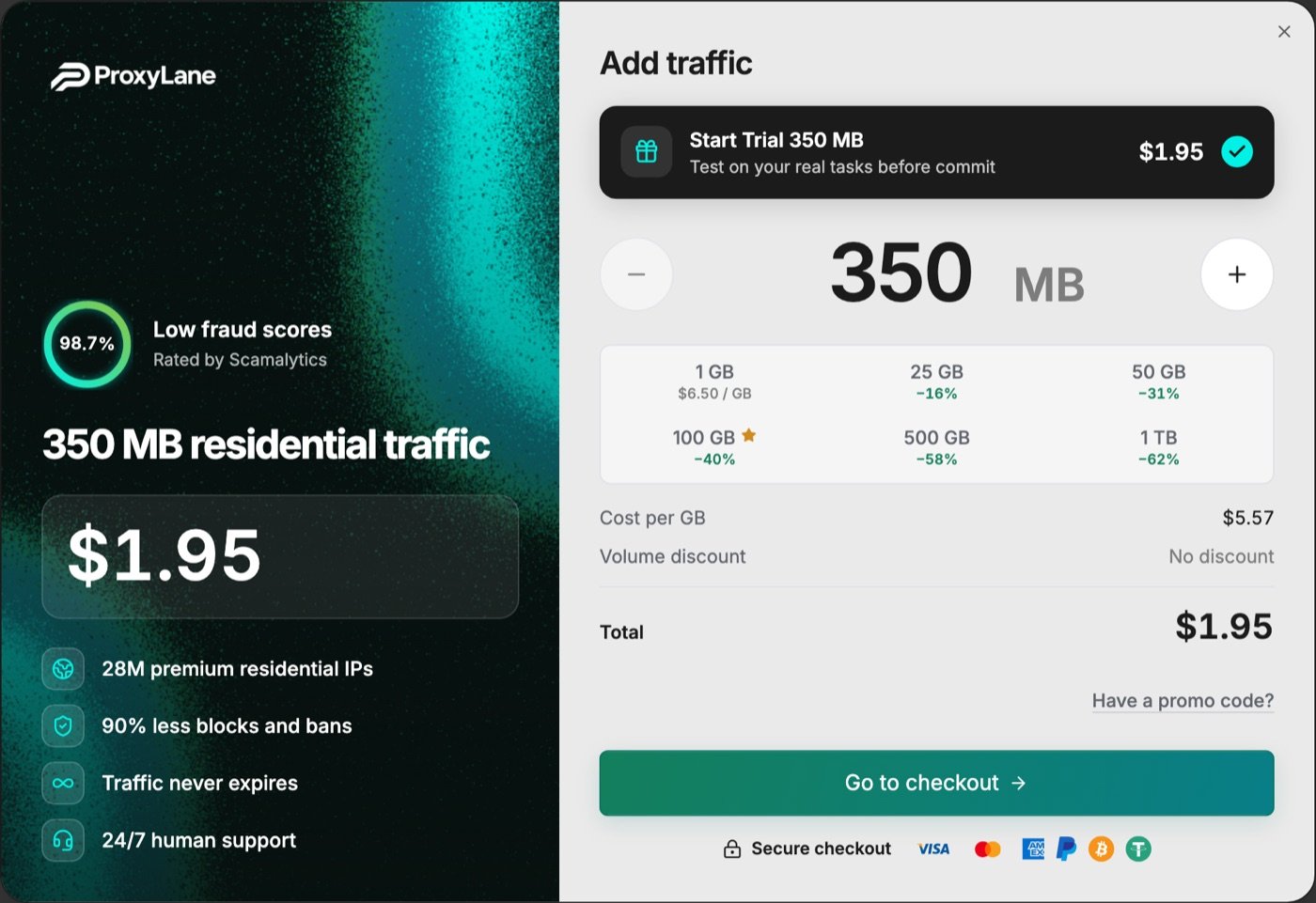
2
📍 Pick a country
In Residential Proxies, choose a Country. Need a specific place? Also pick a region, city or ISP. Then click Create proxy.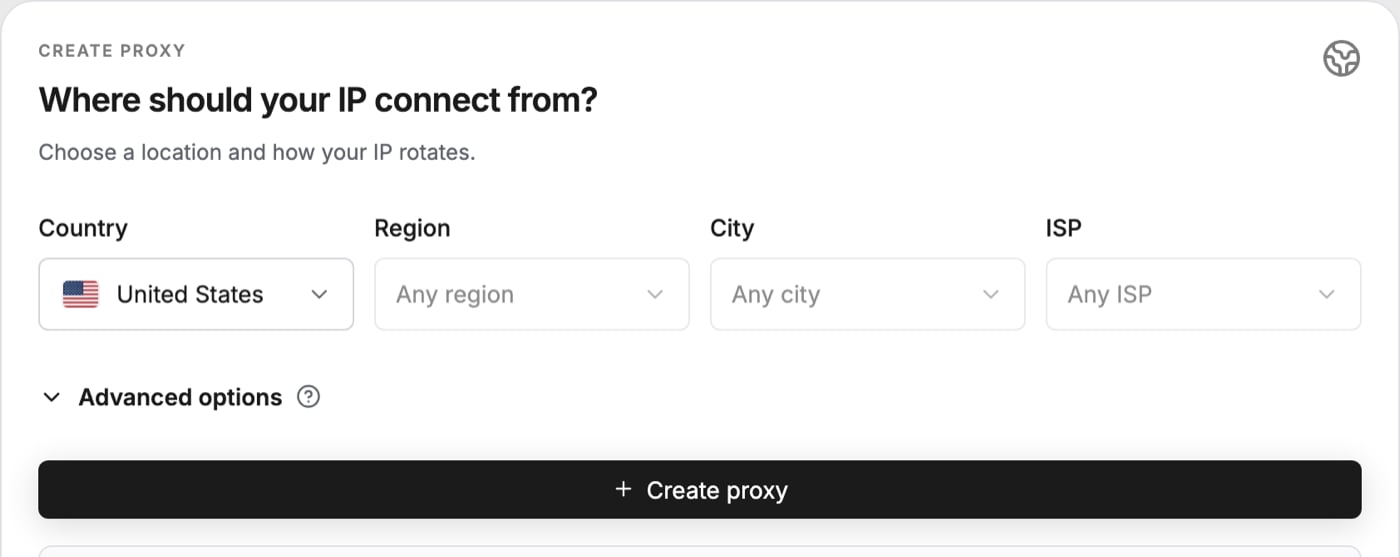
3
📋 Copy your proxy
Your proxy appears under the button. Click Copy.Your app wants a different layout? Change Format, for example to 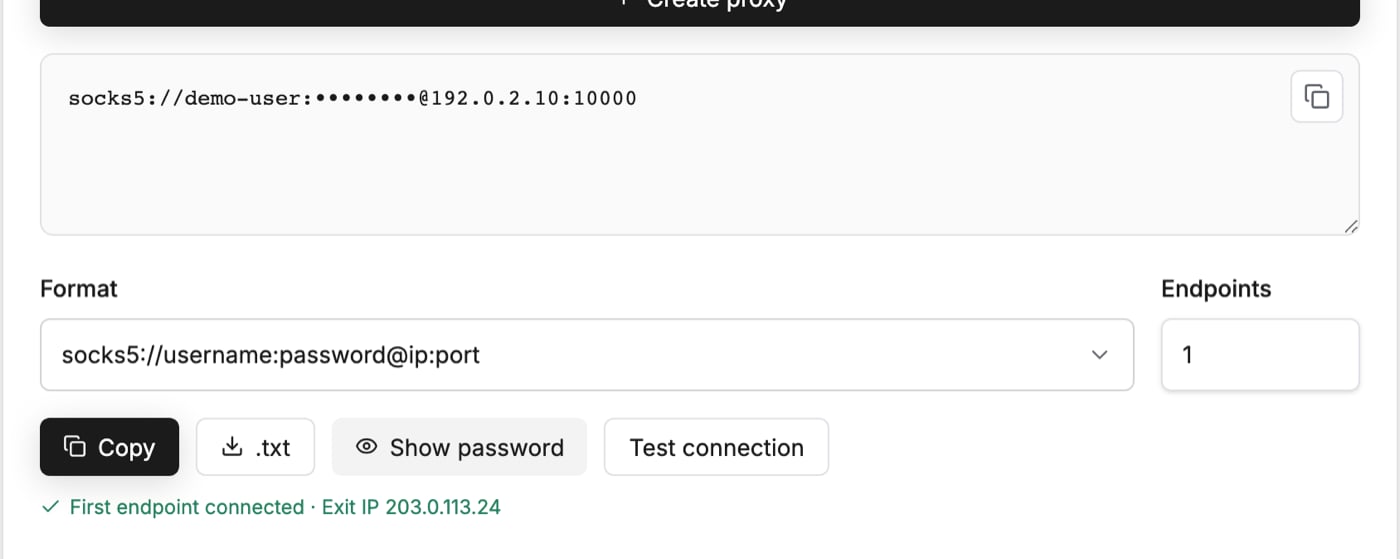
ip:port:username:password.4
🔌 Paste it into your app
Open your app’s guide. It shows exactly where the proxy goes.Not on the list? See all app guides.Your app asks for HTTP? Open Advanced options and switch Protocol to HTTP / HTTPS, then copy again. The default is SOCKS5.
AdsPower
Dolphin Anty
Python
✅ Check it works
- In the dashboard, click Test connection. You should see First endpoint connected and an exit IP.
- In your app, open My IP. It should show the country you picked.
Paid, but no proxy yet?
Paid, but no proxy yet?
The box says Your proxy will appear automatically after traffic activation until your traffic is ready. Check your order in Billing before paying again.
My IP still shows my own country
My IP still shows my own country
The proxy is not applied in your app yet. Recheck your app’s guide, and check that the protocol in your app matches Protocol in the dashboard.
Need help?
Telegram, Discord or email. Real people answer.